How to Register Smart Bro SIM in Philippines?
Short Answer:
To register your Smart Bro SIM in the Philippines, visit the official Smart SIM Registration website or use the GigaLife App to submit your details and valid ID. Complete the process in minutes for uninterrupted service.
Smart Bro SIM registration is the official process of verifying your SIM card by linking it with your personal details, as required under the Philippine SIM Registration Act. This step is mandatory for all Smart Bro users in the Philippines.
By completing Smart Bro SIM registration, you keep your number active, prevent unexpected service interruptions, and add an extra layer of protection against scams and unauthorized use. This guide explains everything you need to know, including the fastest registration methods, required documents, and solutions to common issues so your Smart Bro SIM works smoothly without delays.
How to Register Smart Bro SIM Quickly
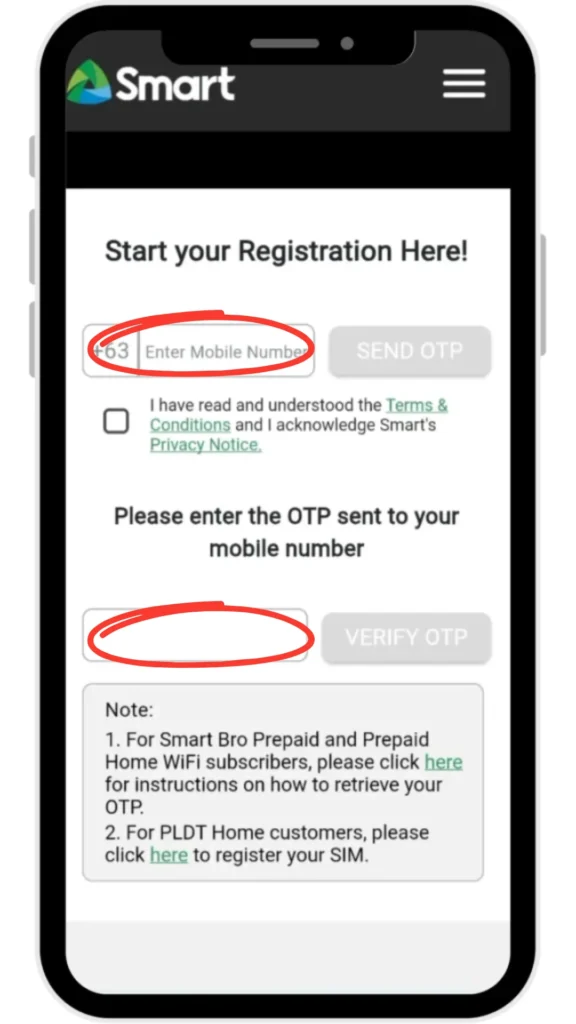
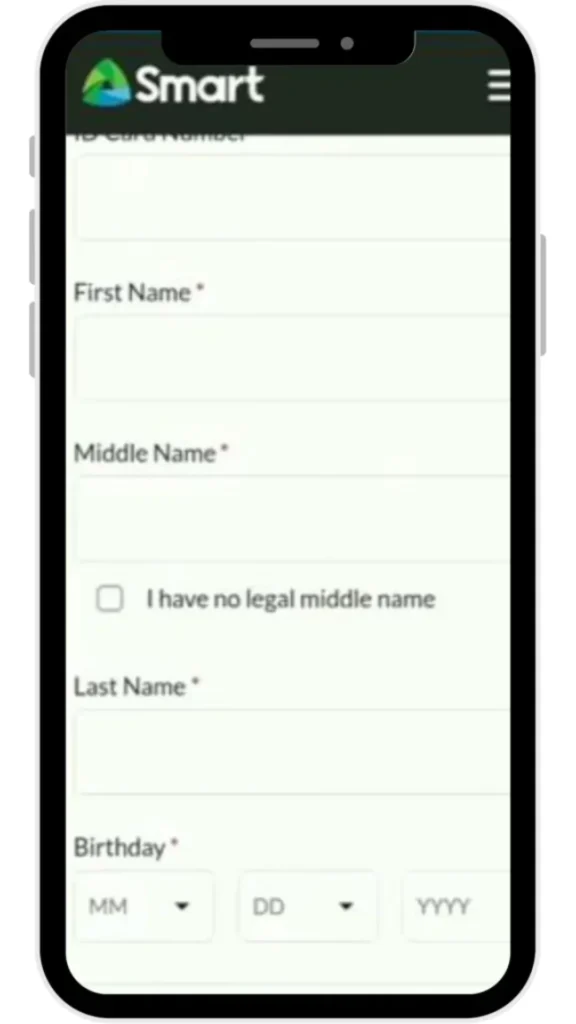
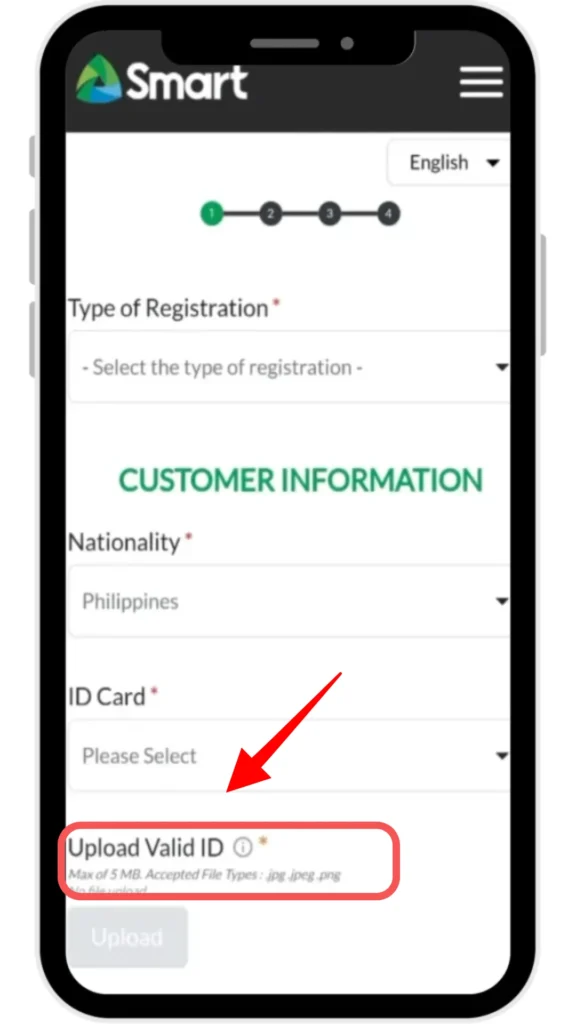
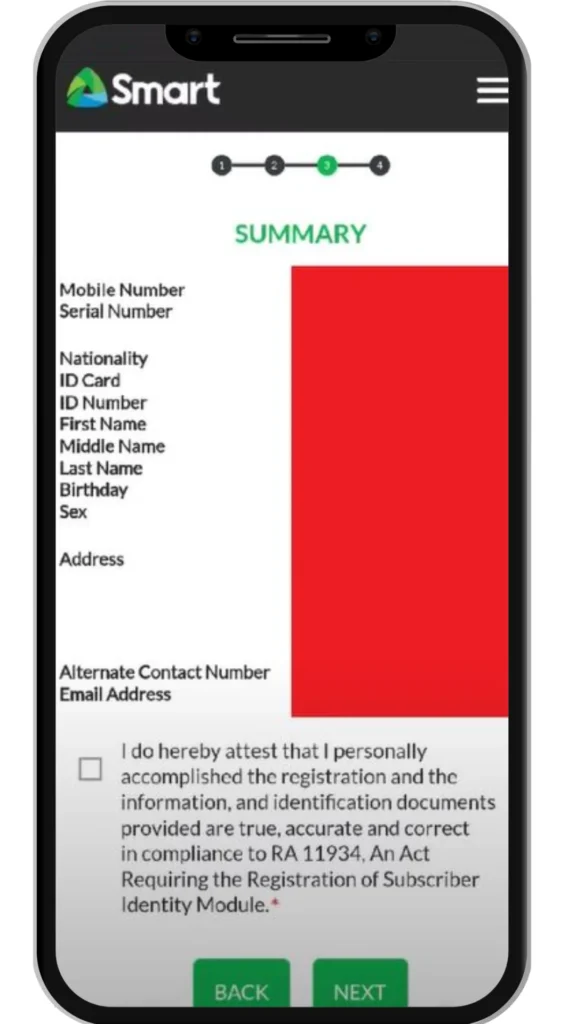
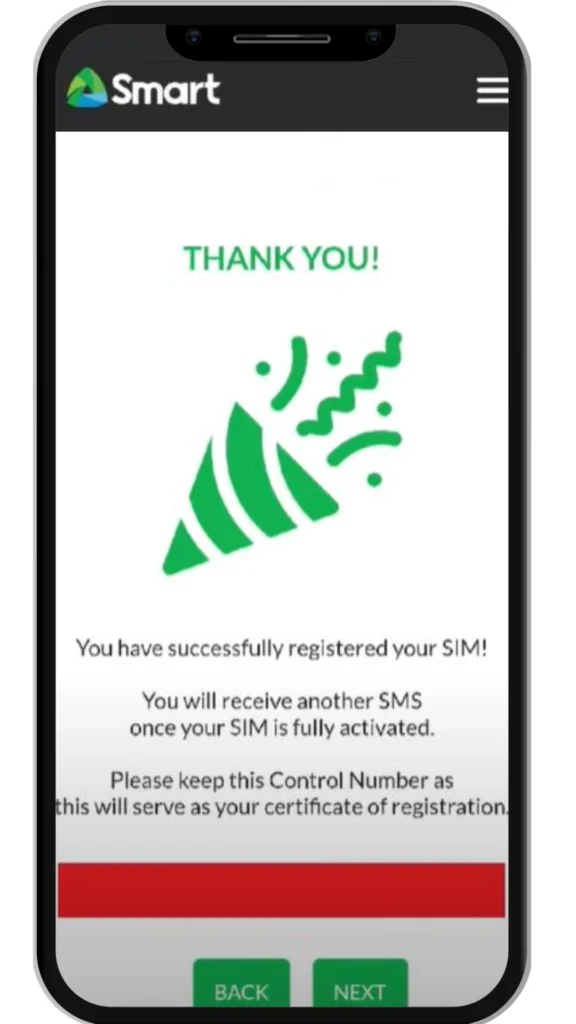
To register your Smart Bro SIM in the Philippines, visit the official Smart SIM Registration website and enter your mobile number. After receiving the One Time Password on your device, verify it on the website, fill in your personal details, upload a valid government ID along with a selfie, and submit your application for confirmation.
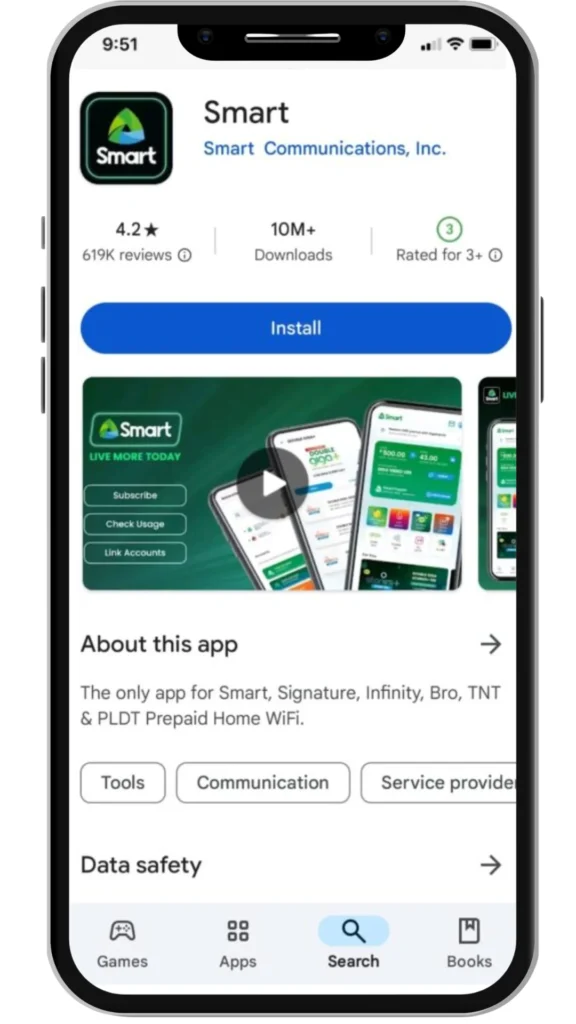
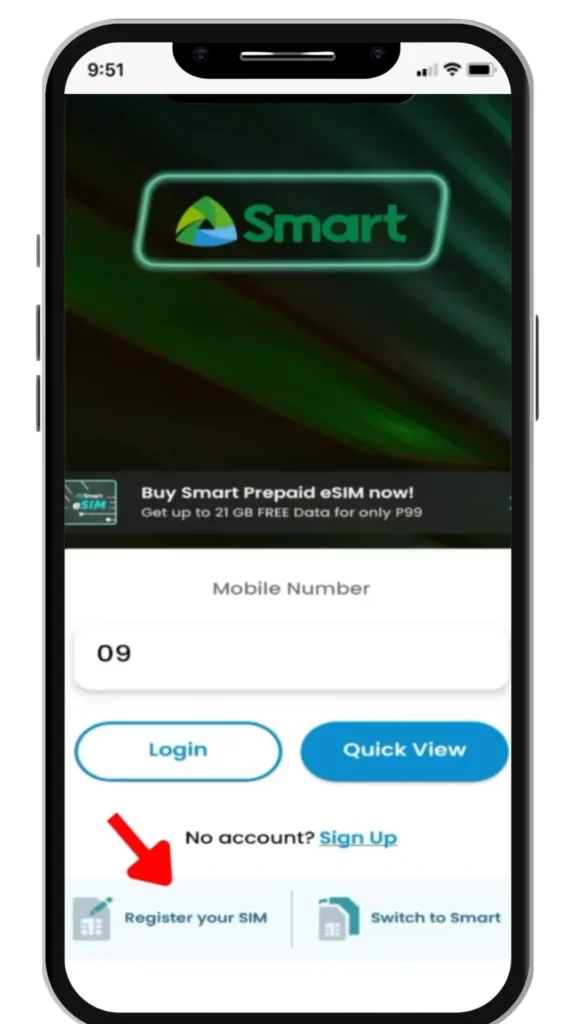
You may also complete Smart Bro SIM registration using the Smart GigaLife App by signing in with your number and following the on screen instructions. Both methods are simple and can be completed within minutes when your ID and personal information are ready.
What to Prepare Before Smart Bro SIM Registration
You will need a valid government issued ID, accurate personal information that matches your ID, and a working Smart Bro SIM inserted in a compatible device. A stable internet connection and a camera enabled phone or computer are also required to upload your ID and selfie clearly.
Accepted Valid IDs for Smart Bro SIM Registration
Smart accepts several government issued IDs for Smart Bro SIM registration in the Philippines. These include a Philippine Passport, Philippine National ID, Unified Multi Purpose ID, Driver’s License, Voter’s ID, PRC ID, SSS Card, and Postal ID.
Make sure your ID is not expired, all details are clearly visible, and the information exactly matches what you enter during registration. Blurry or cropped images often lead to rejection.
Personal Information Required for Registration
During Smart Bro SIM registration, you must provide accurate personal details. These include your full name as written on your ID, date of birth, sex, current residential address, mobile number, and email address if requested.
All information must match your identification documents exactly. Even small spelling differences can cause delays or rejection.
Step by Step Guide to Register Smart Bro SIM Online
You can register your Smart Bro SIM using the official Smart Registration website or the Smart GigaLife App. Both methods are reliable and easy to complete if you follow the steps carefully.
Registering Through the Official Smart Registration Website
Registering Through the Smart GigaLife App
How to Check Smart Bro SIM Registration Status
You can check the registration status of your Smart Bro SIM using the official Smart tools. Follow these simple steps.
Using the Smart SIM Registration Status Tool
Checking Status via SMS Confirmation
Common Smart Bro SIM Registration Errors and How to Fix Them
Invalid ID Upload
Cause of the issue: This usually happens when the ID photo is unclear, cut off, or doesn’t meet the required format.
How to fix:
OTP Not Received
Cause of the issue: Delays in the network or an incorrectly entered mobile number.
How to fix:
Mismatched Personal Information
Cause of the issue: The provided ID does not match the registration details.
How to fix:
Website or App Errors
Cause of the issue: High user traffic on the Smart SIM Registration portal or using an outdated app.
How to fix:
Where to Get Help with Smart Bro SIM Registration
- Smart Customer Service Hotline
- Call *888 from your Smart phone for support.
- From any landline, dial (02) 8888-1111 to reach customer service.
- Agents can assist you with registration issues like OTP delays, ID upload errors, and details mismatches.
- Smart Stores and Partner Centers
- Visit the nearest Smart Store for face-to-face assistance.
- Authorized partner centers can also help complete Smart Bro SIM registration.
- Bring your Smart Bro SIM and valid ID for on-site registration support.
- Smart GigaLife App Support
- Open the Smart GigaLife App and access help or support sections.
- Some registration issues can be resolved directly through in-app guidance.
Also Read: How to Pasaload Smart and TNT
Also Read: How to Convert Smart Postpaid to Prepaid
Also Read: How to Activate Smart SIM
Also Read: How to Borrow Load in Smart
Frequently Asked Questions
Conclusion
In conclusion, registering your Smart Bro SIM is a quick and easy process that ensures uninterrupted service and helps protect your number from unauthorized use. By following the steps on the Smart website or through the GigaLife App, you can complete the registration in just a few minutes. Make sure to provide accurate personal details and a clear photo of your ID to avoid any issues. Stay connected and enjoy seamless Smart Bro services by registering your SIM today!