How to Get PUK Code for Smart SIM in 2026 | Unlock Your SIM Quickly
Short Answer:
To get your PUK code for a Smart SIM in 2026, check your original SIM card packaging, retrieve it through the Smart GigaLife app or Smart website, call *888, or visit a Smart Store with a valid ID.
Seeing the message “SIM blocked, enter PUK code” can be stressful, especially when you urgently need your phone. The PUK code, short for Personal Unblocking Key, is a security feature tied to your Smart SIM that protects your number when the SIM PIN is entered incorrectly multiple times.
In 2026, Smart continues to use the PUK system to prevent unauthorized access to SIM cards. Once the PIN is entered wrong three times, the SIM locks automatically. To unlock it, you must enter the correct PUK code. Entering the wrong PUK too many times can permanently block your SIM, so it’s important to recover it the right way.
What Is a PUK Code for Smart SIM?
A PUK code is an 8-digit security code assigned to every Smart SIM card. It acts as a backup unlock key when your SIM is locked due to repeated wrong PIN attempts.
Because of this limit, always enter the PUK carefully.
Why Does a Smart SIM Get Locked?
Your Smart SIM may lock for several reasons:
When this happens, your phone will prompt you to enter the PUK code.
Important: If the PUK is entered incorrectly 10 times, the SIM cannot be recovered and must be replaced.
How to Get PUK Code for Smart SIM
There are four reliable ways to retrieve your Smart SIM PUK code. Choose the one that’s easiest for you.
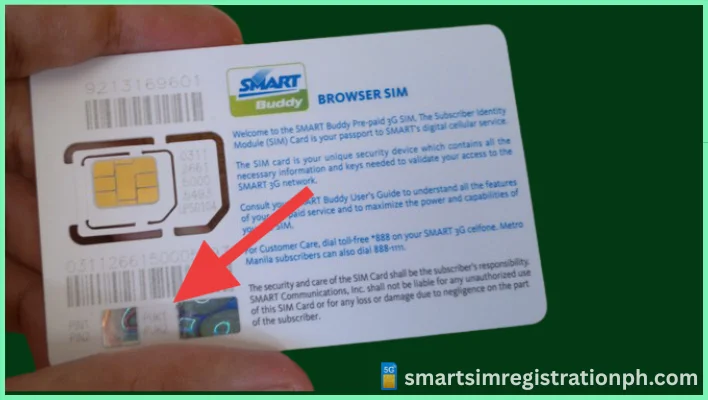
Check Your Smart SIM Packaging
The fastest method is checking your original SIM card holder.
If you still have the SIM pack, this is the quickest solution.
Get PUK Code Online (Smart Website or GigaLife App)
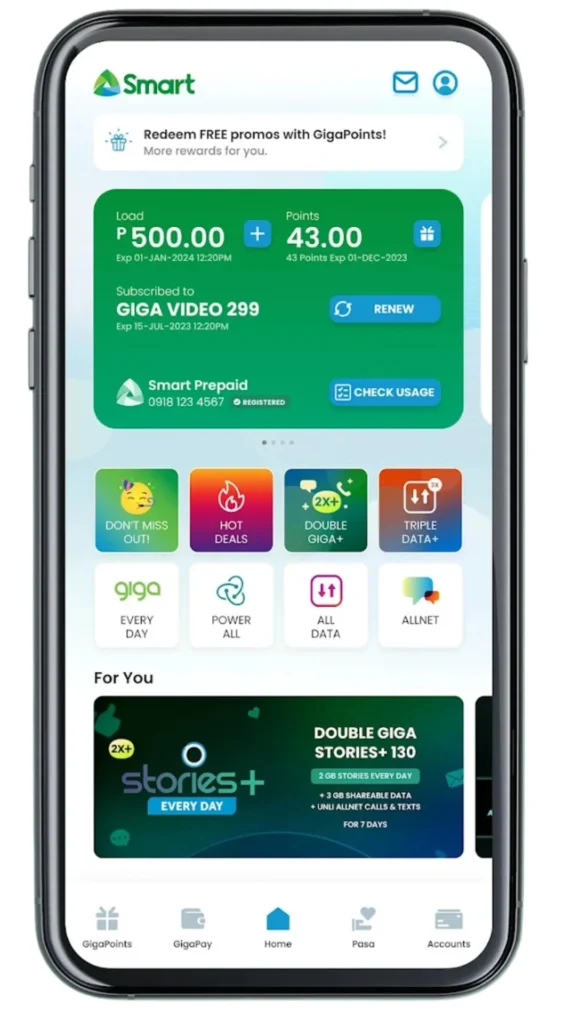
If the SIM packaging is lost, you can recover your PUK digitally.
Using Smart Website
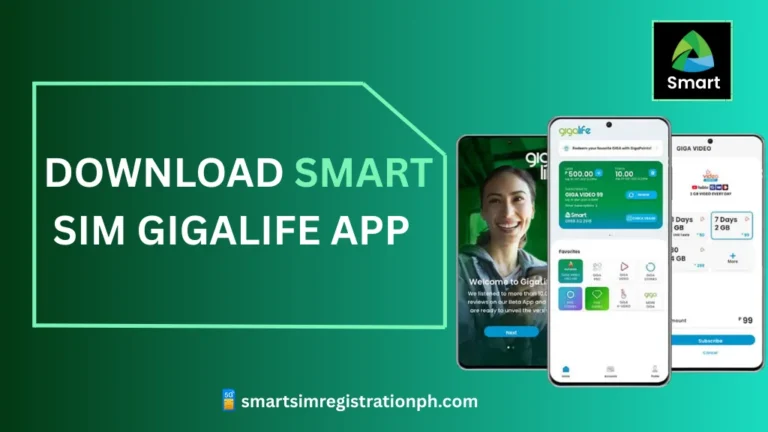
Using GigaLife App
Both methods are secure and work within minutes.
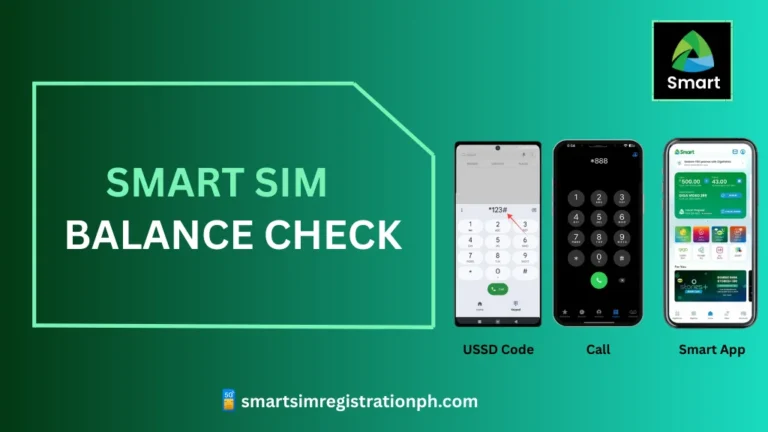
Call Smart Customer Service (*888)
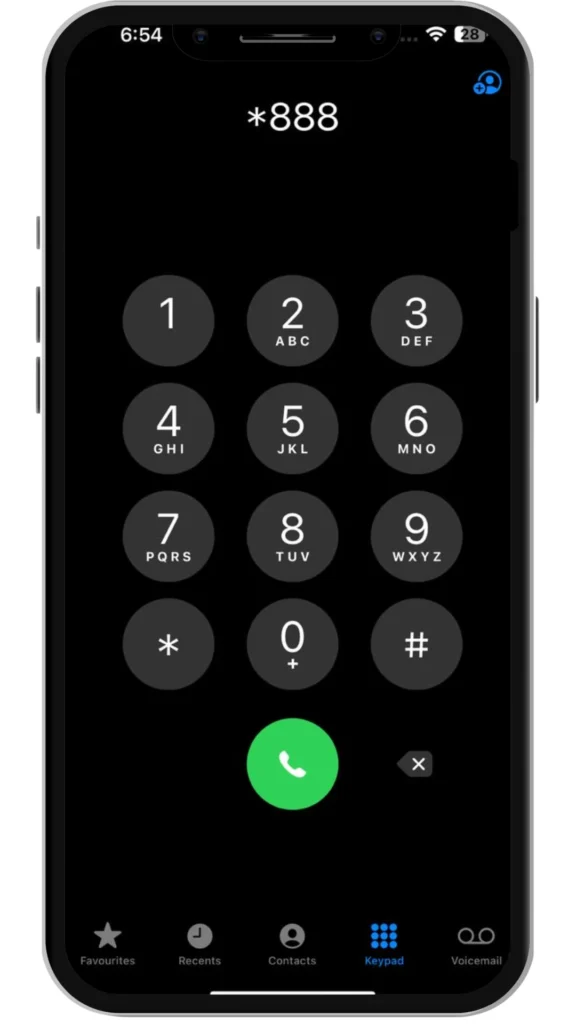
If online access isn’t available, calling Smart support is a reliable option.
Customer support can also guide you while unlocking your SIM.
Visit a Smart Store
If other methods fail, visiting a Smart store is the final option.
Bring:
- A valid government ID
- Your blocked SIM (and SIM pack if available)
The staff will verify your identity and either provide the PUK or replace your SIM if it’s permanently blocked.

How to Unlock Smart SIM Using PUK Code
Once you have the PUK code, unlocking your SIM is simple.
Your SIM will be active again after restarting.
What If My Smart SIM Is Permanently Blocked?
If you entered the wrong PUK 10 times, the SIM cannot be unlocked.
In this case:
- Visit a Smart store
- Bring a valid ID
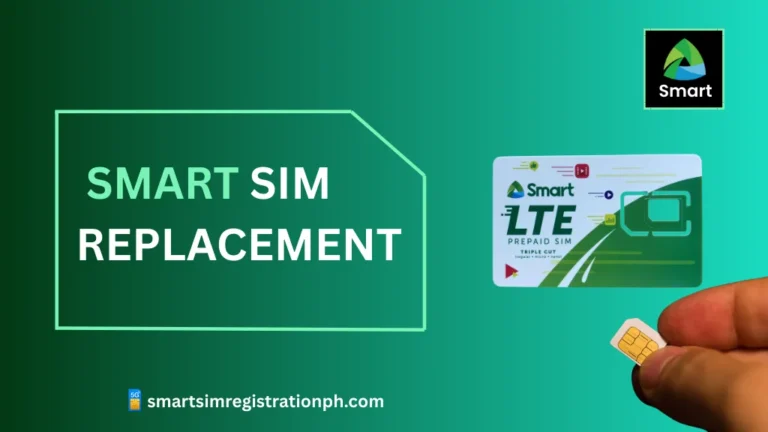
- Request SIM replacement with the same number
Your old SIM will be deactivated, and a new one will be issued.
Common PUK Code Problems and Solutions
Lost SIM packaging
Use the Smart website, GigaLife app, hotline, or Smart store to recover the PUK.
Forgot SIM PIN
Enter the wrong PIN three times to trigger the PUK request, then recover the code.
PUK not accepted
Restart the phone and re-enter carefully. If it still fails, contact Smart support.
Also Read: How to Pasaload Smart and TNT
Also Read: How to Convert Smart Postpaid to Prepaid
Also Read: How to Activate Smart SIM
Also Read: Smart SIM APN Settings 2026
Frequently Asked Questions
Conclusion
Getting your Smart SIM unlocked in 2026 is simple if you follow the right steps and avoid guessing the PUK code. Always check your original SIM packaging first, then try the Smart website, GigaLife app, or *888 hotline if needed. Remember, entering the wrong PUK too many times can permanently block your SIM. If that happens, a Smart Store visit with a valid ID will help you recover your number quickly and safely.