How To Deactivate Smart SIM Card – Complete Guide 2026
Short Answer:
You can permanently deactivate a Smart SIM card in the Philippines by contacting Smart customer support, visiting a Smart Store with your valid ID and SIM, or submitting a request through your Smart online account.
If you are no longer using your Smart SIM card, or your SIM has been lost, stolen, or compromised, deactivating it is the safest option. Smart SIM deactivation helps protect your personal data, prevents unauthorized calls or transactions, and ensures your number is not misused.
In this complete 2026 guide, you will learn how to deactivate a Smart SIM card step by step, what documents are required, how long the process takes, whether reactivation is possible, and important tips to avoid common mistakes. This guide applies to both Smart prepaid and postpaid users in the Philippines.
Things to Do Before Deactivating Smart SIM
Before requesting Smart SIM deactivation, complete these important steps:
Once the SIM is deactivated, recovery of data or access is usually not possible.
Documents Reqirements for Smart SIM Deactivation
Smart Communications verifies your identity before deactivation. Prepare the following:
Personal Information
Ownership may be confirmed through a few verification questions.
Valid ID
A valid ID is required so Smart can verify your identity. Accepted IDs usually include:
SIM and Account Details
Methods To Deactivate Smart SIM Card
You can deactivate your Smart SIM using any of the methods below.
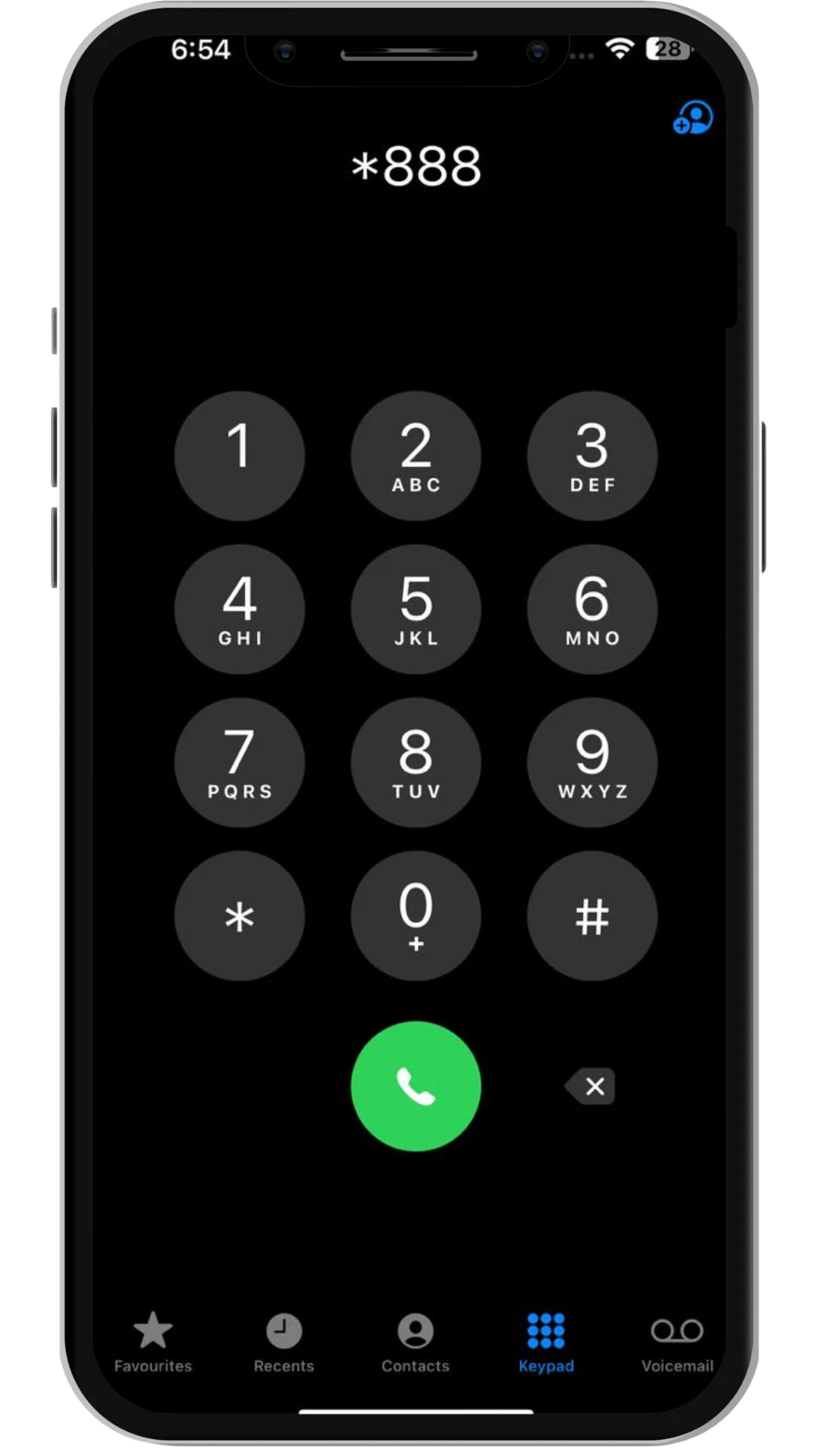
Method 1: Deactivate Smart SIM via Hotline
Follow these steps to deactivate smart sim:
Method 2: Deactivate Smart SIM by Visiting a Smart Store
Follow these steps to deactivate smart sim:

This is the most reliable option if your SIM is lost or verification fails online.
Method 3: Deactivate Smart SIM via Online or GigaLife (If Available)
Follow these steps to deactivate smart sim:
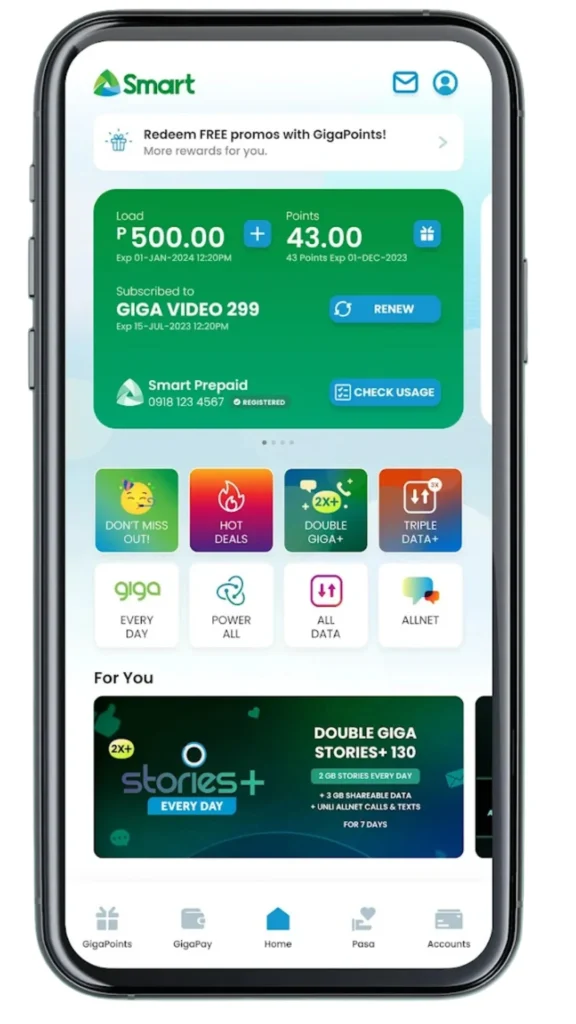
Availability may vary by account type.
How Long Does Smart SIM Deactivation Take?
In most cases:
Always ask for a reference number and confirmation message.
Common Problems During Smart SIM Deactivation
Verification Issues
Solution: Bring an extra valid ID or visit a Smart Store.
SIM Already Lost
You can still deactivate by providing account details and identity proof.
Delayed Confirmation
Follow up with Smart using your reference number.
When Should You Deactivate Your Smart SIM?
You should deactivate your Smart SIM in the following situations:
Lost or Stolen SIM
If your SIM is lost or stolen, someone could access your calls, messages, banking apps, or OTPs. Immediate deactivation protects your data and finances.
Switching to Another Number or eSIM
If you are upgrading to a new SIM or eSIM, deactivating the old SIM avoids confusion and unauthorized use.
Privacy and Security Reasons
An unused SIM can still receive verification codes. Deactivation prevents misuse linked to online accounts, GCash, Maya, or bank apps.
No Longer Using the SIM
If you permanently stopped using a Smart number, deactivation ensures it is safely closed.
Also Read: How to Pasaload Smart and TNT
Also Read: How to Convert Smart Postpaid to Prepaid
Also Read: How to Activate Smart SIM
Also Read: Smart SIM APN Settings 2026
Additional Frequently Asked Questions
Final Thoughts
Smart SIM deactivation is a simple but important process, especially for security and privacy. Whether your SIM is lost, unused, or you are switching numbers, following the correct steps ensures your account is safely closed.
Always use official Smart channels, prepare your documents, and confirm whether the deactivation is permanent. By doing so, you can protect your personal information and avoid future issues in 2026 and beyond.